Introduction
Fine-tuning is essential to unlock the true potential of Antigravity. This article explains every setting in AgentManager based on actual screenshots.
1. Agent Settings
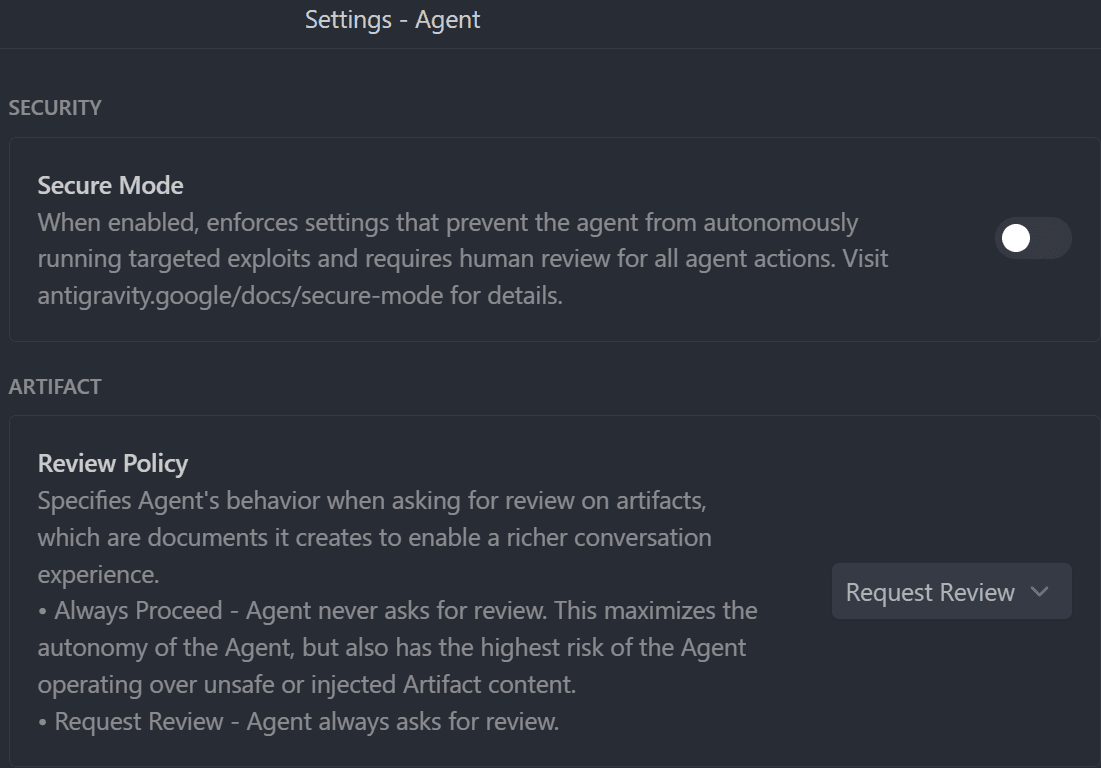
1-1. Security & Artifact
Security and artifact settings.
| Setting | Rec | Meaning |
|---|
| Secure Mode | OFF | Requires human review for all agent actions. For high-security environments. |
| Review Policy | Request Review | Behavior when asking for artifact review. |
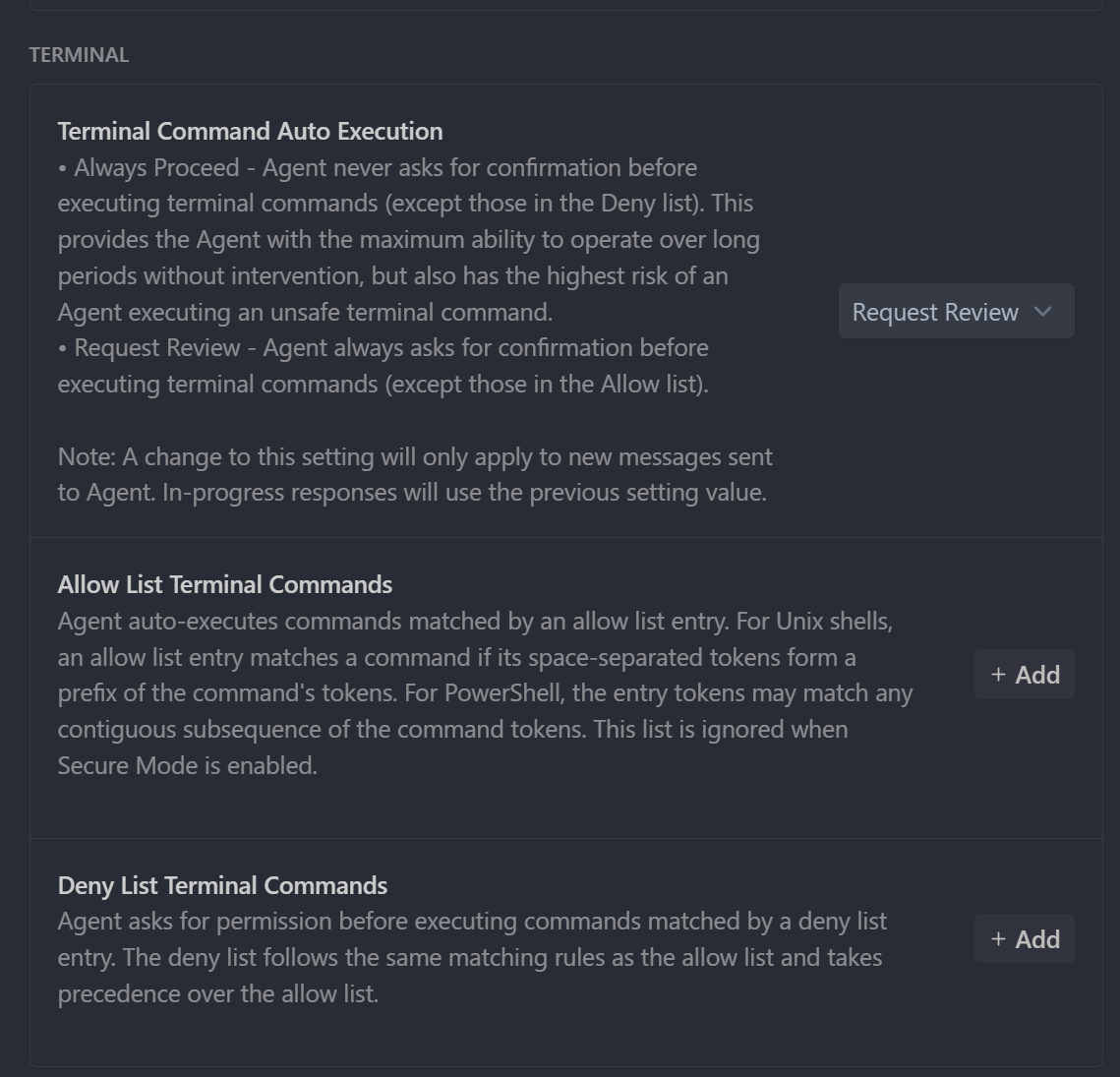
1-2. Terminal
Terminal command execution settings.
| Setting | Rec | Meaning |
|---|
| Terminal Command Auto Execution | Request Review | Auto-execution policy for terminal commands. |
| Allow List Terminal Commands | npm, git, etc | Commands allowed for auto-execution. |
| Deny List Terminal Commands | rm -rf /, etc | Prohibited commands. Takes precedence over allow list. |
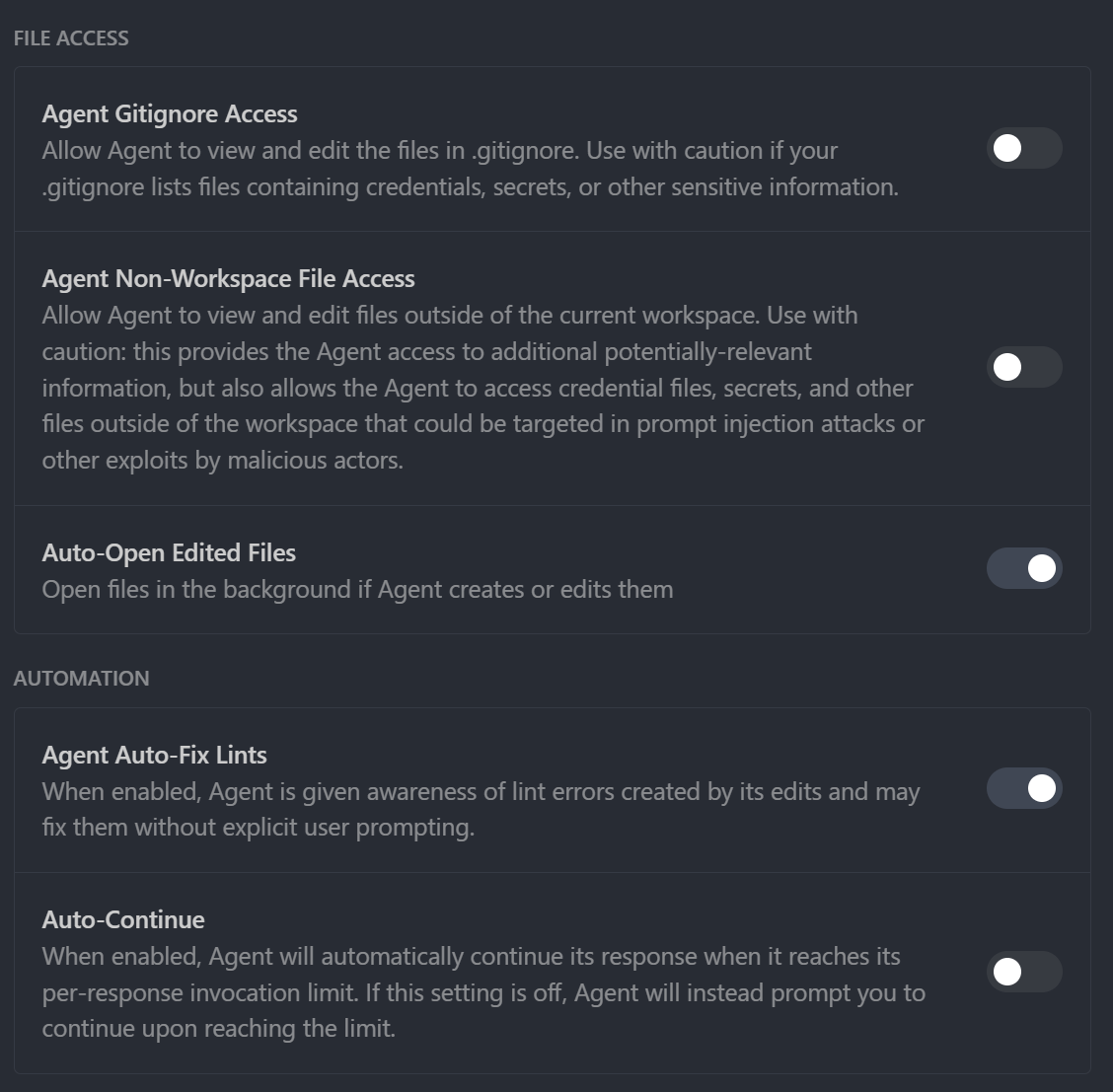
1-3. File Access & Automation
File access and automation settings.
| Setting | Rec | Meaning |
|---|
| Agent Gitignore Access | ON | Allow .gitignore access. |
| Agent Non-Workspace File Access | OFF | Access outside workspace. OFF for security. |
| Auto-Open Edited Files | ON | Auto-open edited files. |
| Agent Auto-Fix Lints | ON | Auto-fix lint errors. |
| Auto-Continue | ON | Auto-continue long generations. |
1-4. General & Advanced
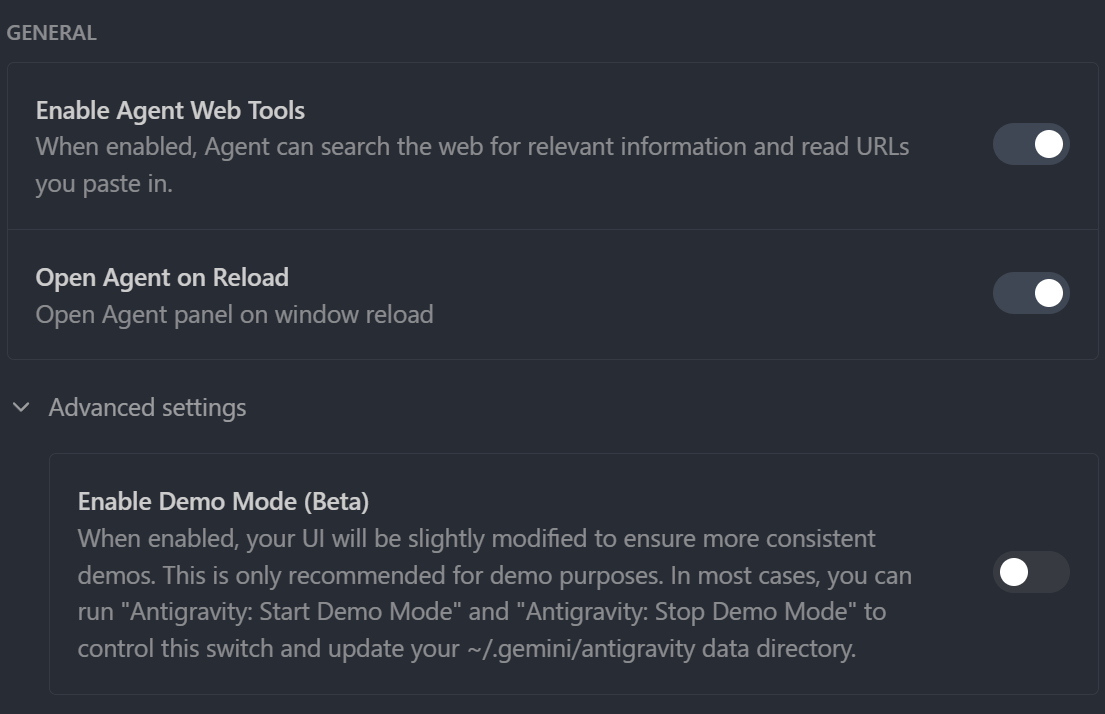
General and advanced settings.
| Setting | Rec | Meaning |
|---|
| Enable Agent Web Tools | ON | Enable web search and URL reading. Essential. |
| Open Agent on Reload | Preference | Auto-open Agent panel on reload. |
| Enable Demo Mode (Beta) | OFF | Demo UI mode. Usually OFF. |
2. Browser Settings
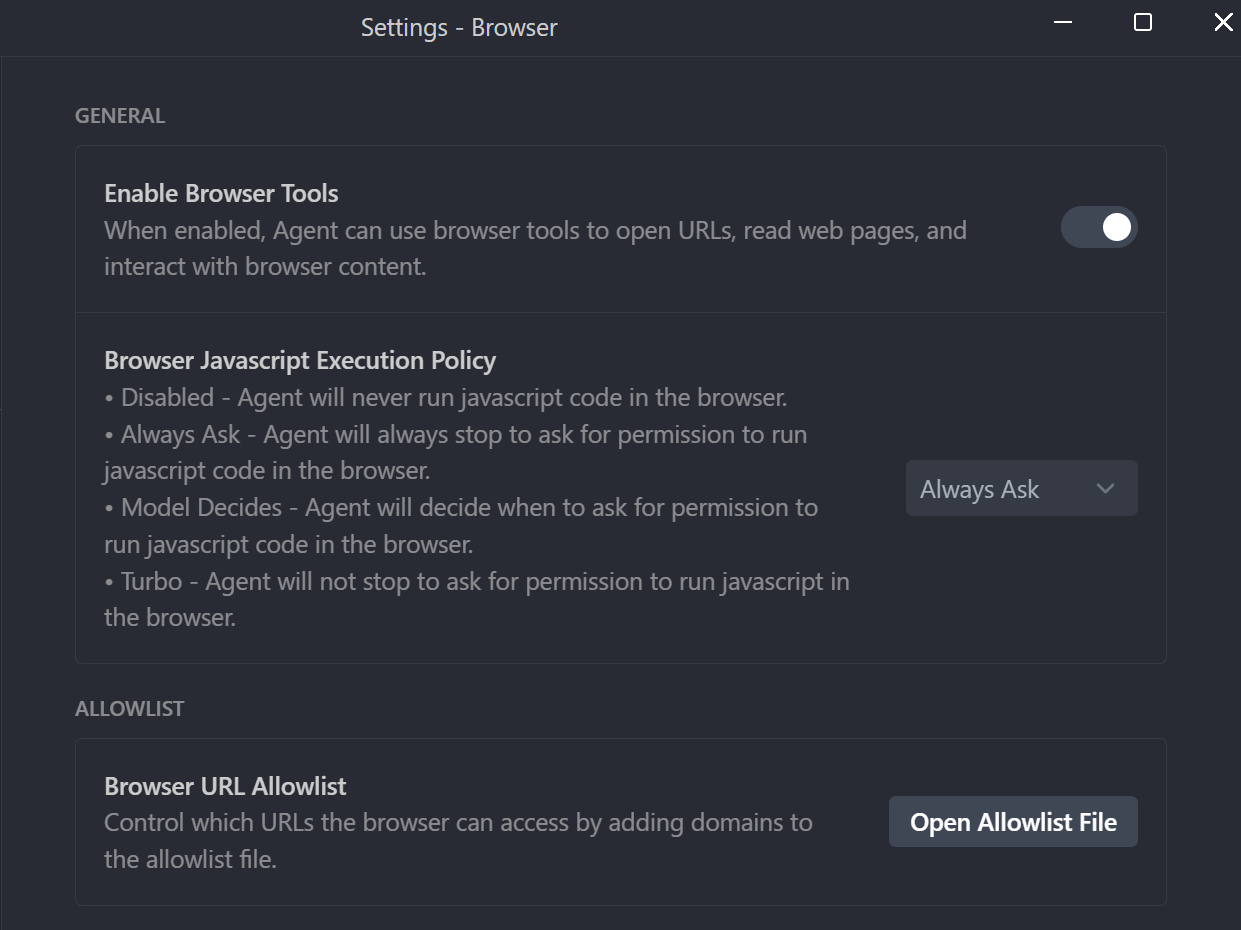
Web browsing settings.
| Setting | Rec | Meaning |
|---|
| Enable Browser Tools | ON | Enable browser tools. Essential for research. |
| Browser JS Execution Policy | Always Ask | JS execution policy. |
| Browser URL Allowlist | - | Allowed URL list. |
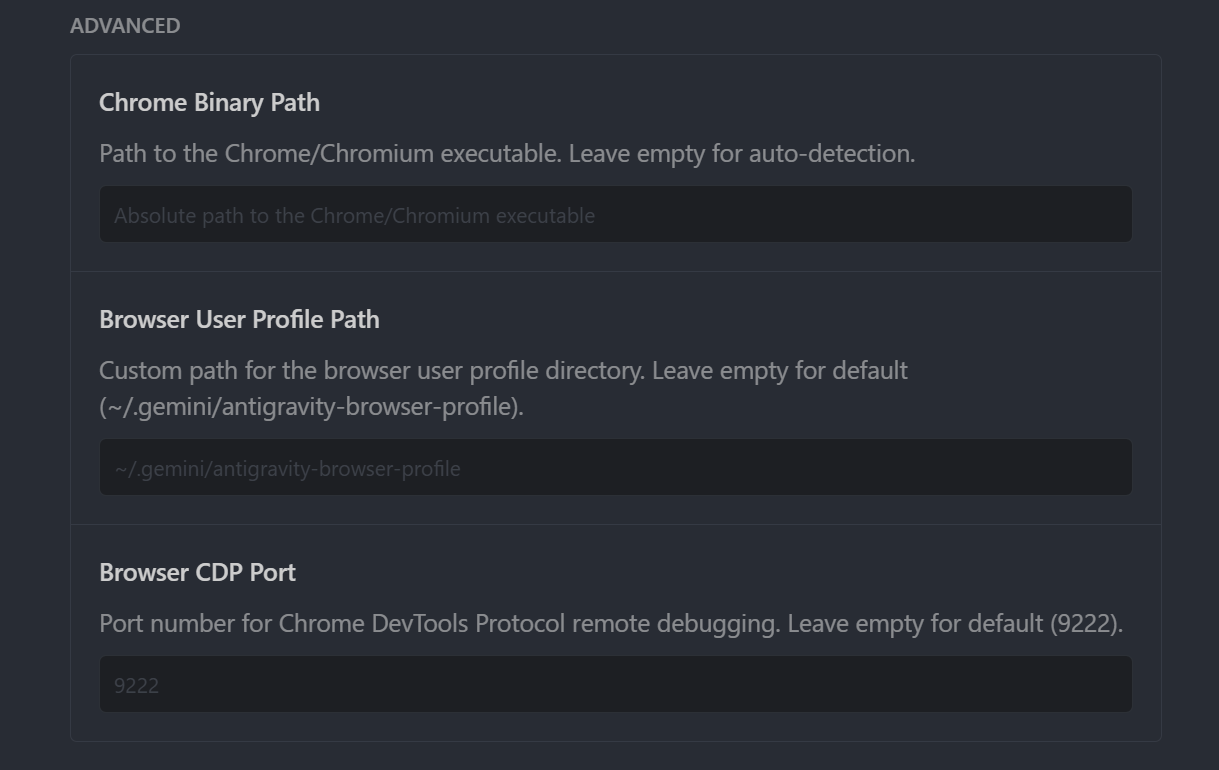
| Chrome Binary Path | Empty | Chrome executable path. |
| Browser User Profile Path | Empty | User profile path. |
| Browser CDP Port | Empty | Remote debug port. |
3. Editor Settings
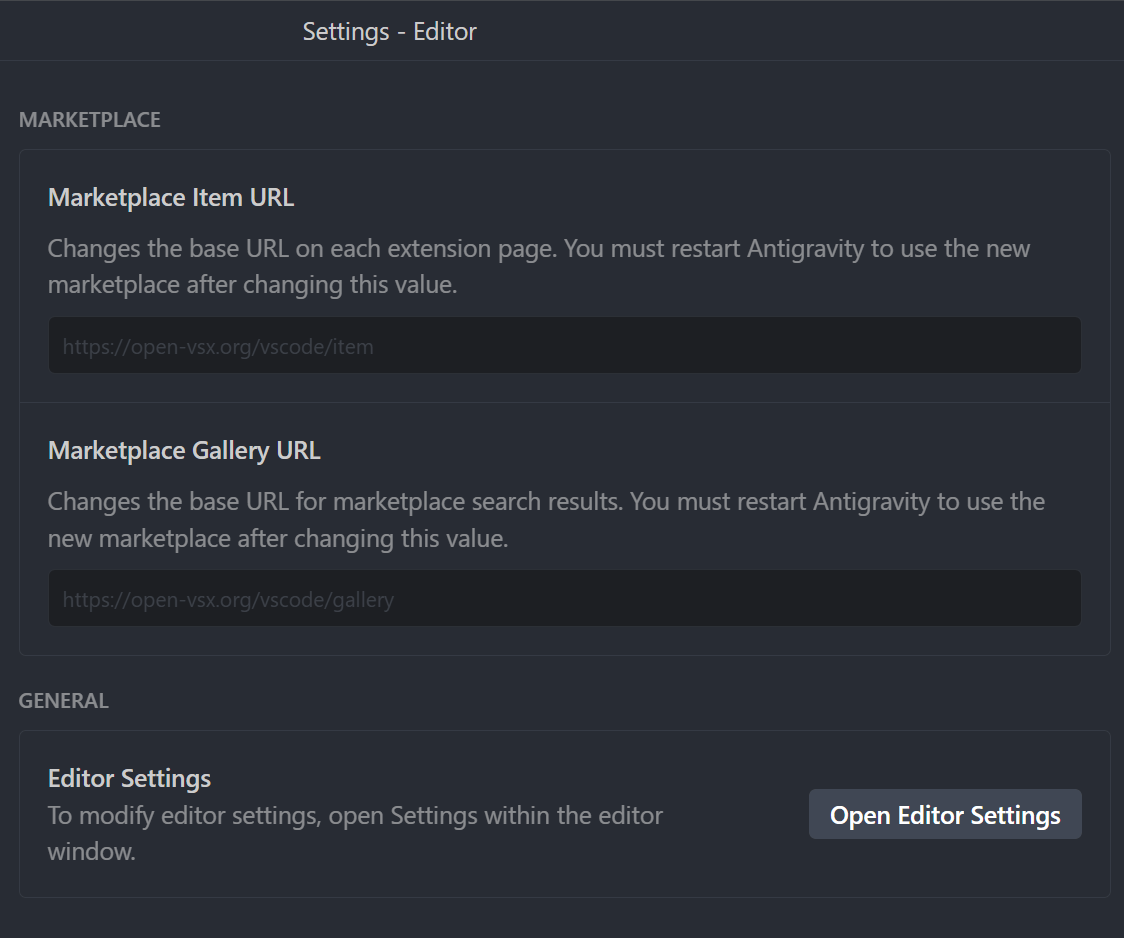
Marketplace settings.
| Setting | Rec | Meaning |
|---|
| Marketplace Item URL | Default | Extension page base URL. |
| Marketplace Gallery URL | Default | Marketplace search URL. |
| Editor Settings | - | Opens detailed editor settings. |
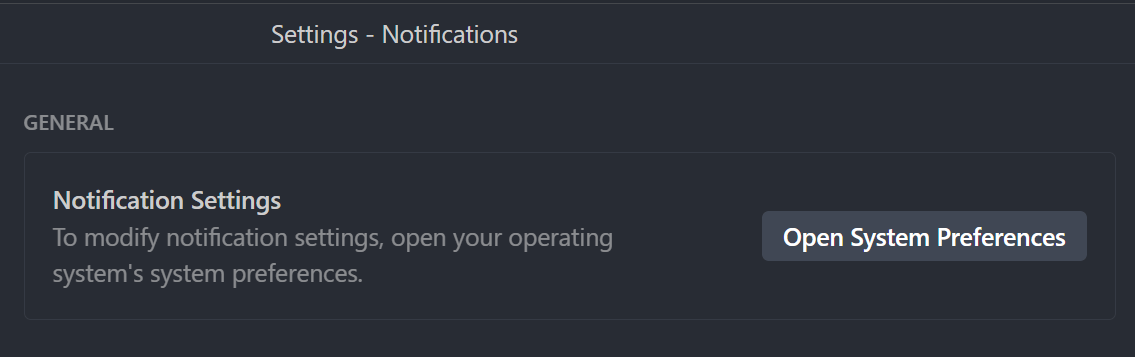
4. Notifications Settings
Notification settings.
| Setting | Rec | Meaning |
|---|
| Notification Settings | System Prefs | Managed via OS system preferences. |
5. Tab Settings
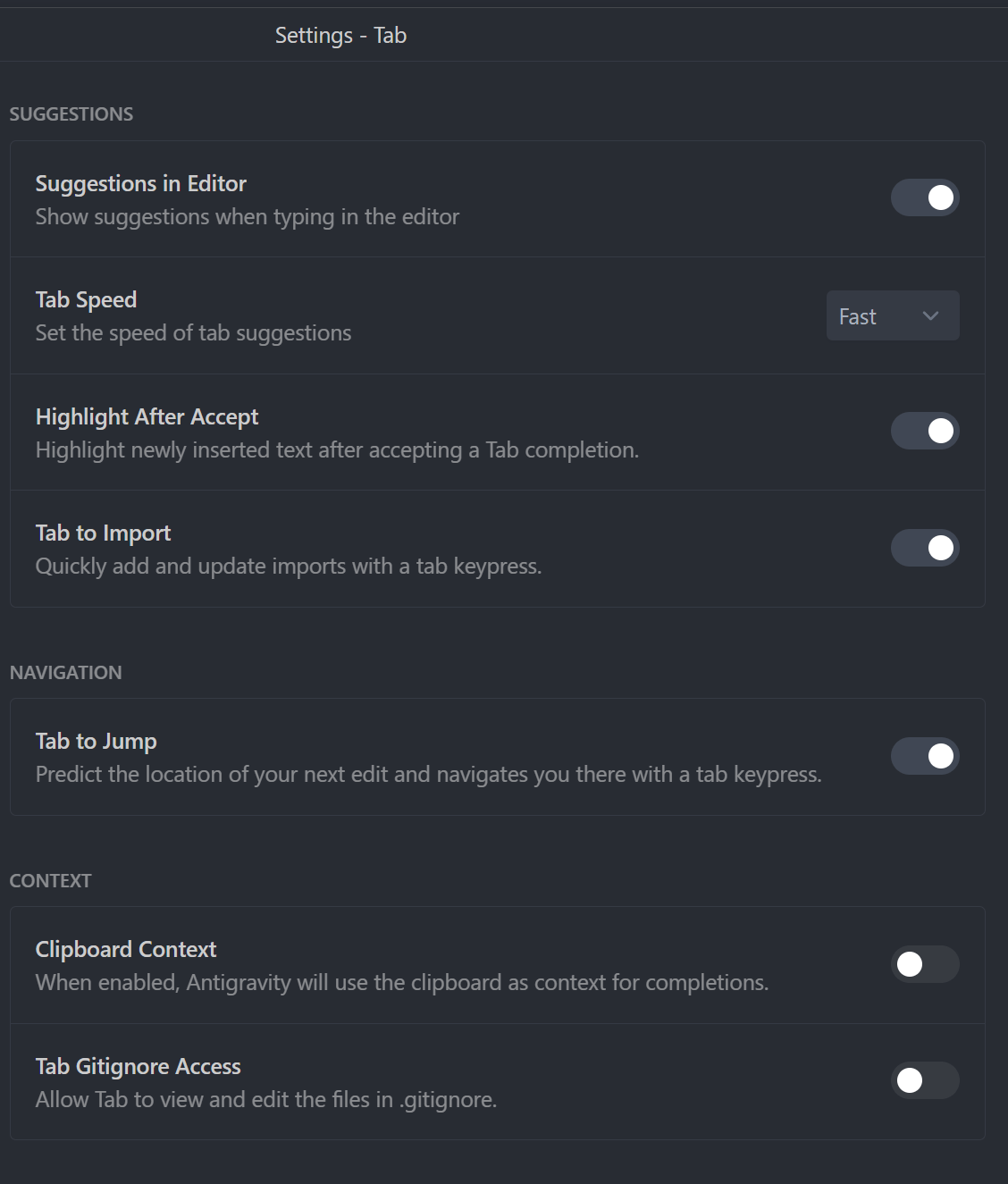
AI Tab code completion settings.
| Setting | Rec | Meaning |
|---|
| Suggestions in Editor | ON | AI suggestions while typing. |
| Tab Speed | Fast | Suggestion speed. |
| Highlight After Accept | ON | Highlight accepted code. |
| Tab to Import | ON | Auto-add imports. |
| Tab to Jump | ON | Jump to next edit location. |
| Clipboard Context | ON | Use clipboard as context. |
| Tab Gitignore Access | ON | Allow .gitignore access. |